
Overview
ProhostAI makes cleaner collaboration seamless with mobile apps, checklists, photo documentation, and real-time notifications. To collaborate with your cleaner, invite them to the app at Team → Invite Member
Auto-Assign Cleanings
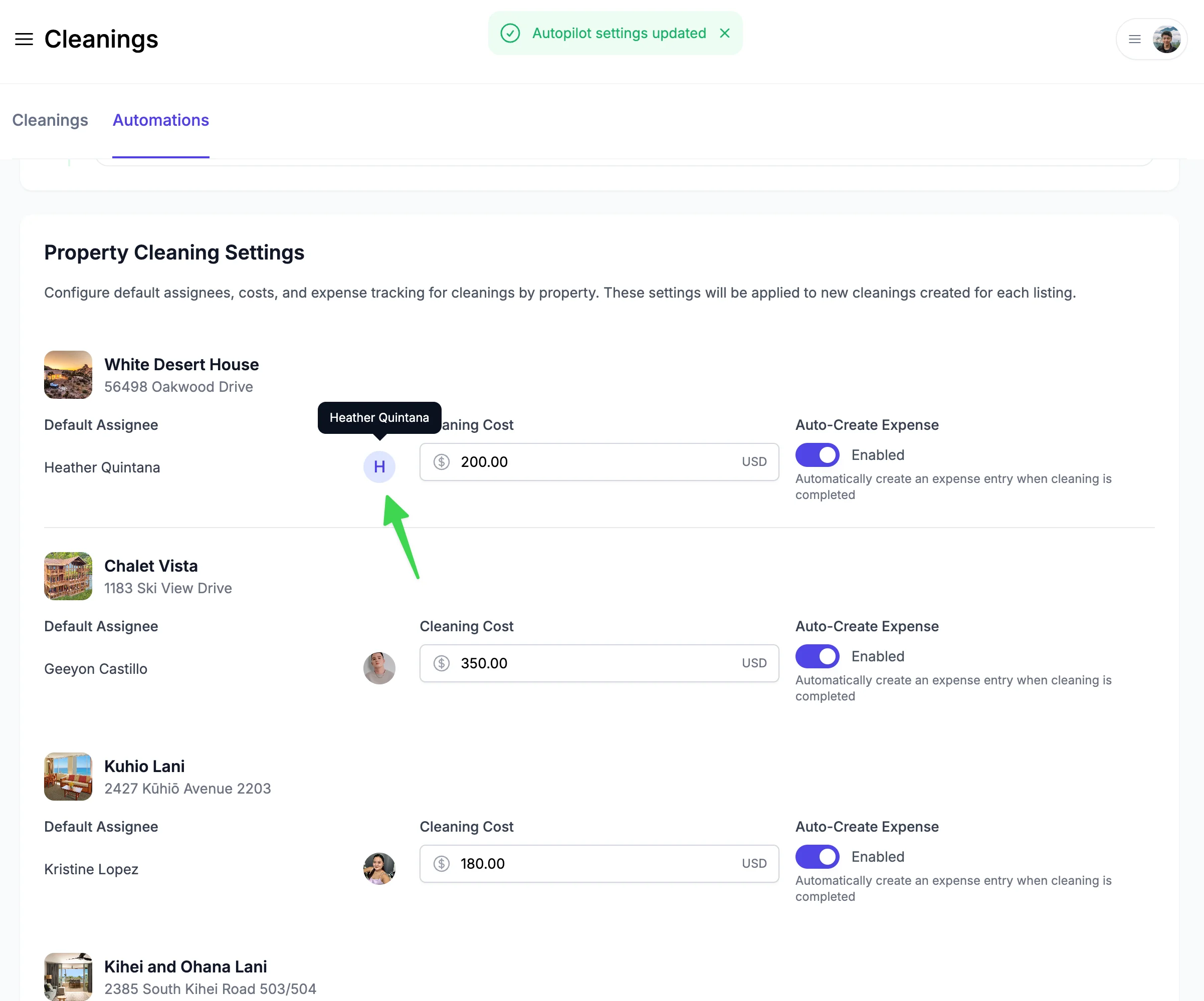
You can auto-assign cleanings to your cleaners at Cleanings → Automations.
Cleaner mobile app workflow
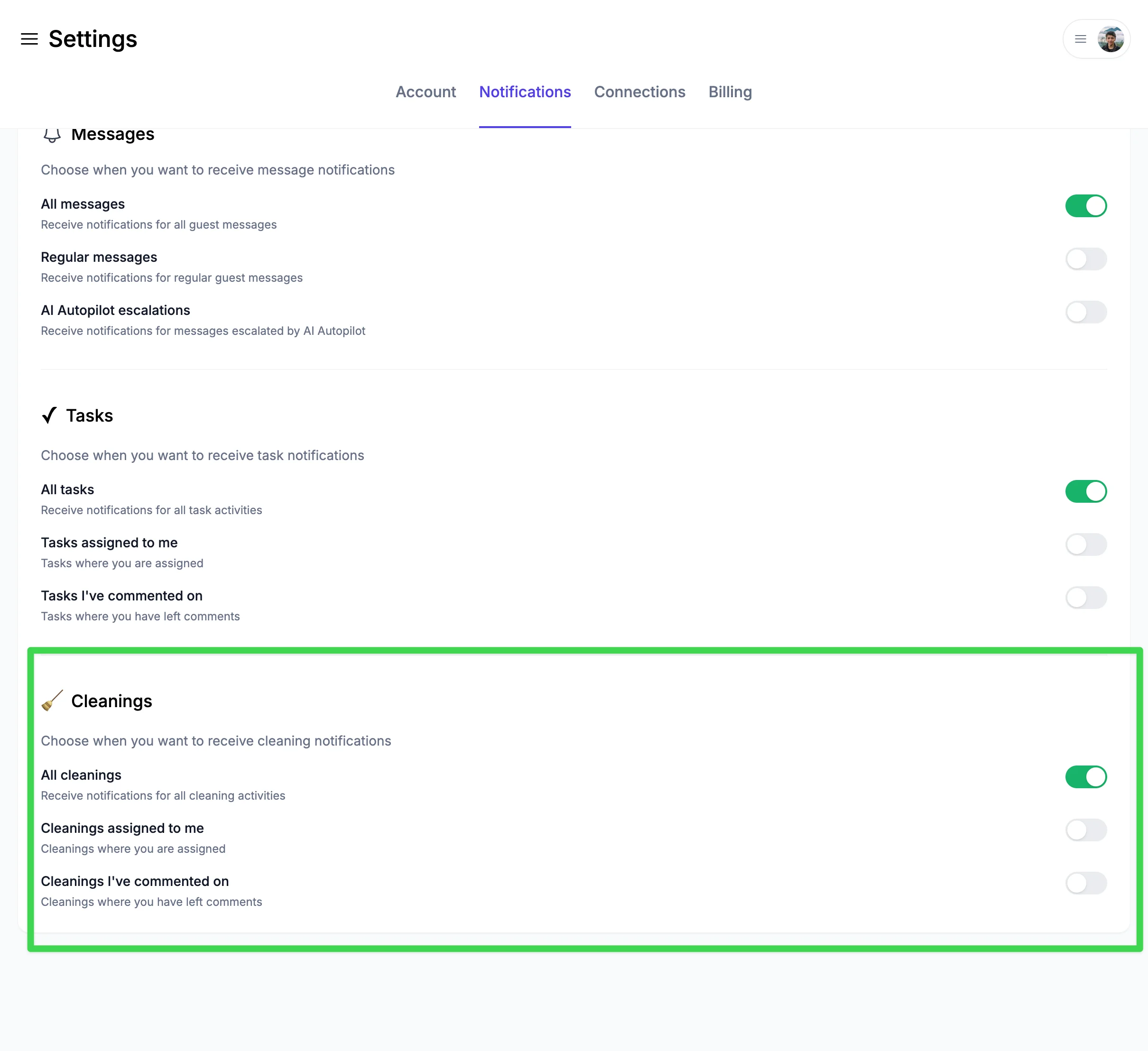
1. Notification → Whenever a new cleaning is created and assigned to the cleaner, they receive a notification. Cleaning managers and property managers can also choose to be notified about all cleaning notifications.
2. On-site work:
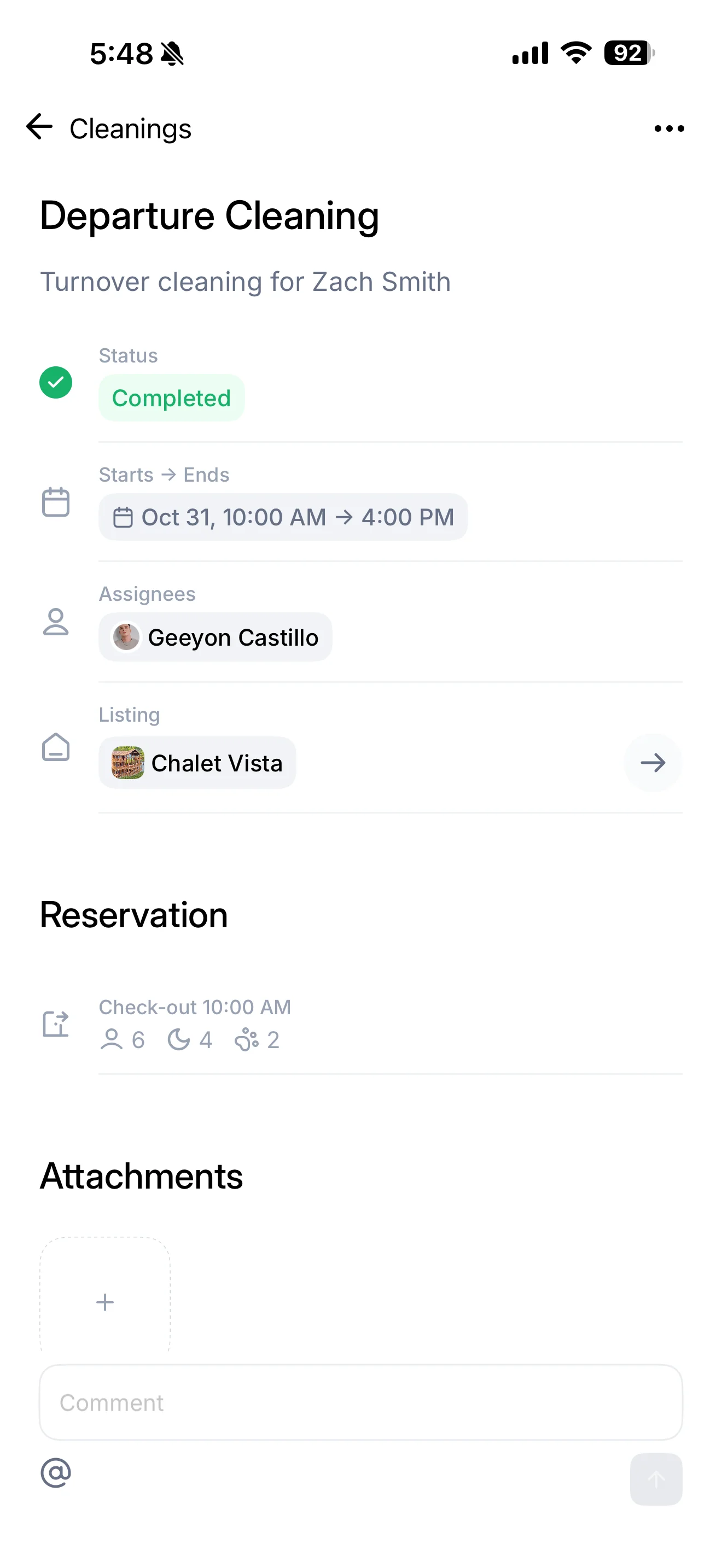
- When a cleaning starts, mark it "In Progress"
- Check off completed checklist items
- Take & upload photos or videos
- Report maintenance issues
- When everything is done, mark the cleaning "Ready for Inspection" or "Completed" depending on your workflow
3. Confirmation → You're notified about completion. Cleanings can be Paused mid-job if the cleaner is interrupted, and resumed later.
Communication & Reporting property issues
Comments on cleanings:
- Ask questions, provide feedback, share updates
- @mention specific team members
Issue reporting: Cleaners can create maintenance tasks:
- Tap Report Issue during cleaning
- Take photo of problem
- Describe issue → Task created automatically