
Overview
ProhostAI automatically creates a cleaning task after each checkout and can auto-assign it to your cleaners based on the property. When a booking is added, changed, or cancelled, the cleaning schedule updates too, so turnovers stay on track without you tracking dates by hand. Cleaners get checklists and can mark jobs complete with photos.
ProhostAI automatically creates cleaning tasks after each check out. You can set up auto-assignments to your cleaners as well.
NOTE: Cleaning scheduling is available only on the Pro plan
You can see the scheduled cleanings in the Cleanings page on both the website and mobile apps.
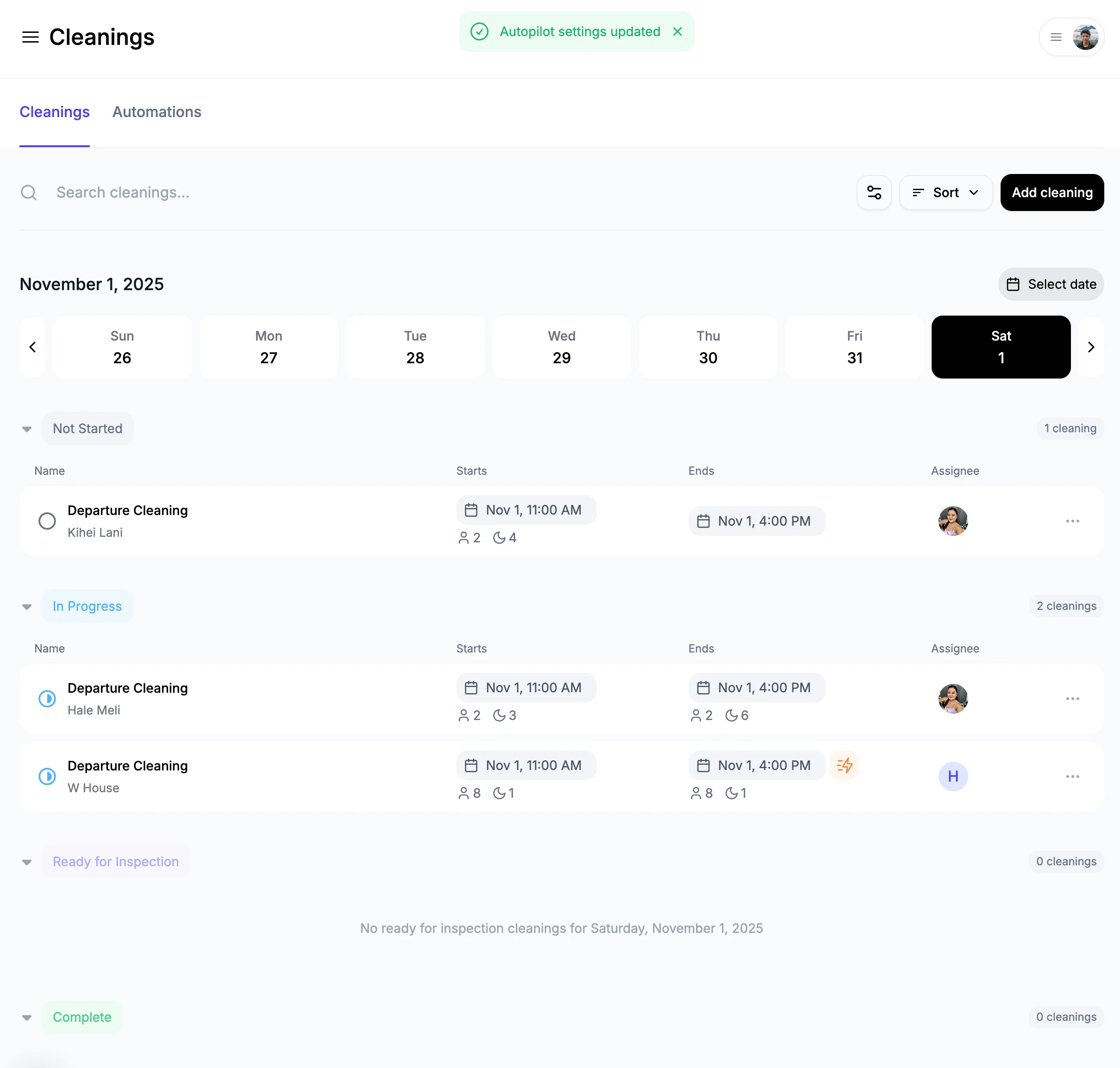
View a cleaning
Click on a cleaning to see its details.
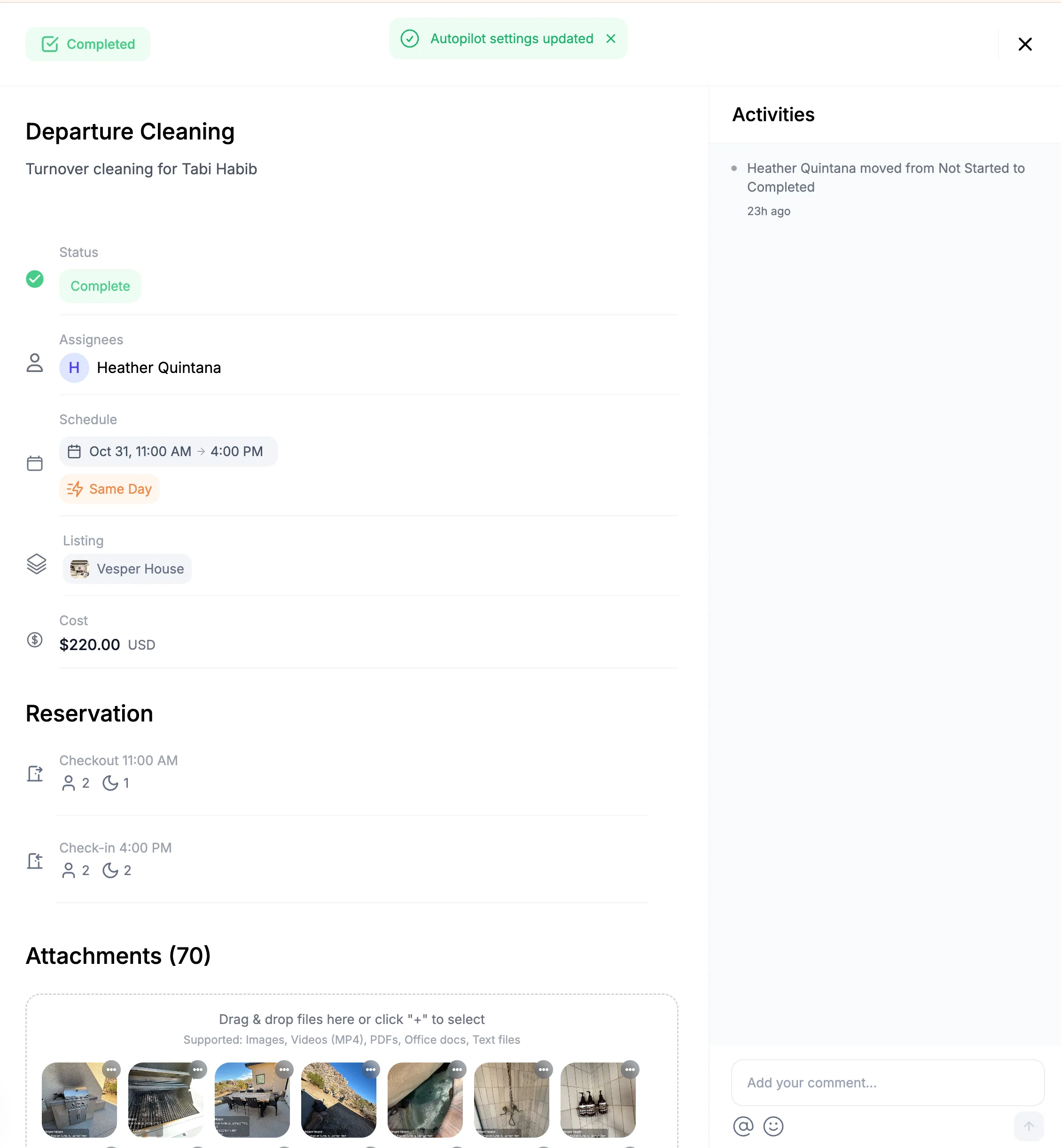
Key features
Same-day turnovers: When a checkout is followed by a same-day check-in, the cleaning is highlighted so your team knows it's a tight turnover.
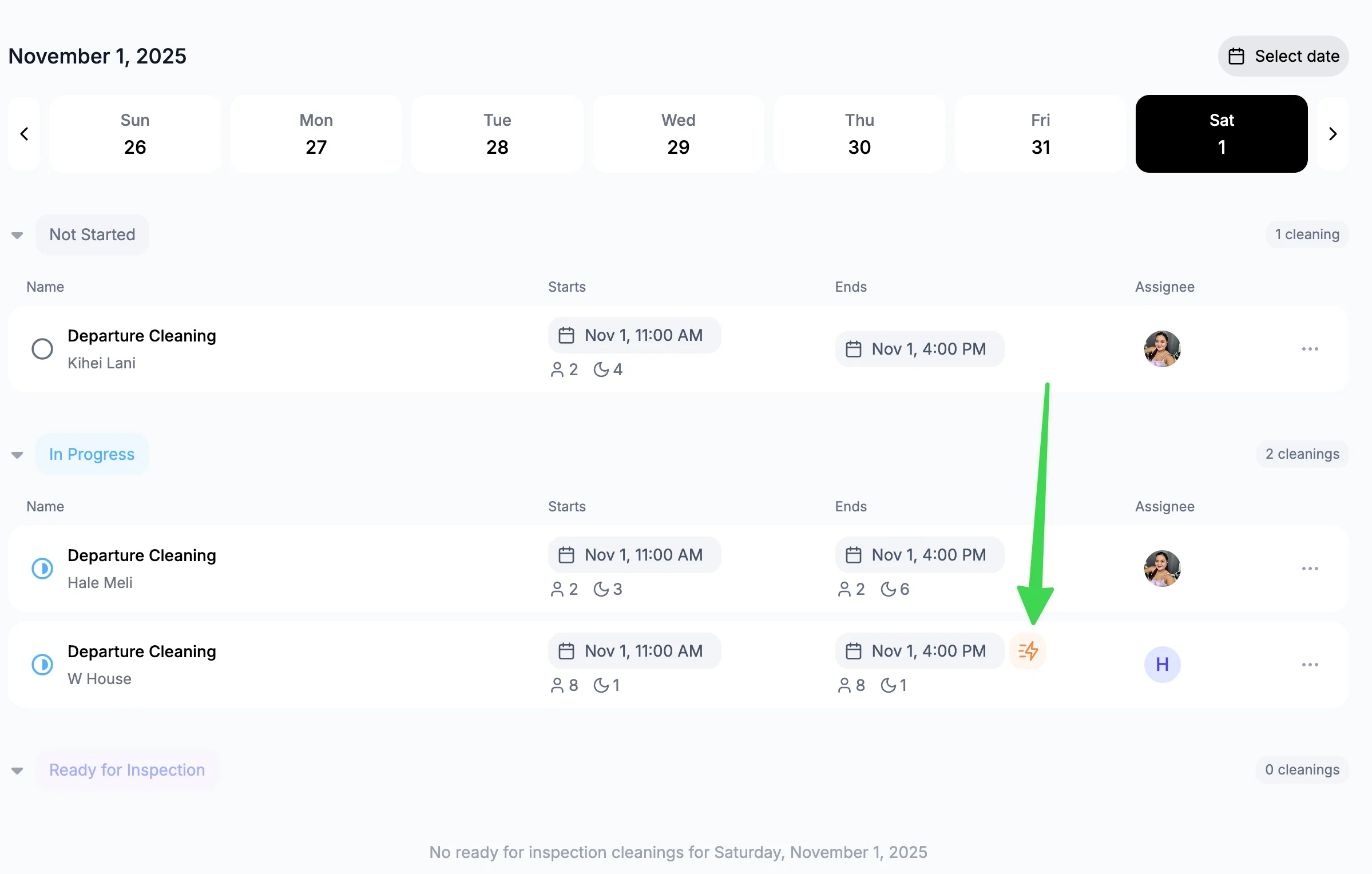
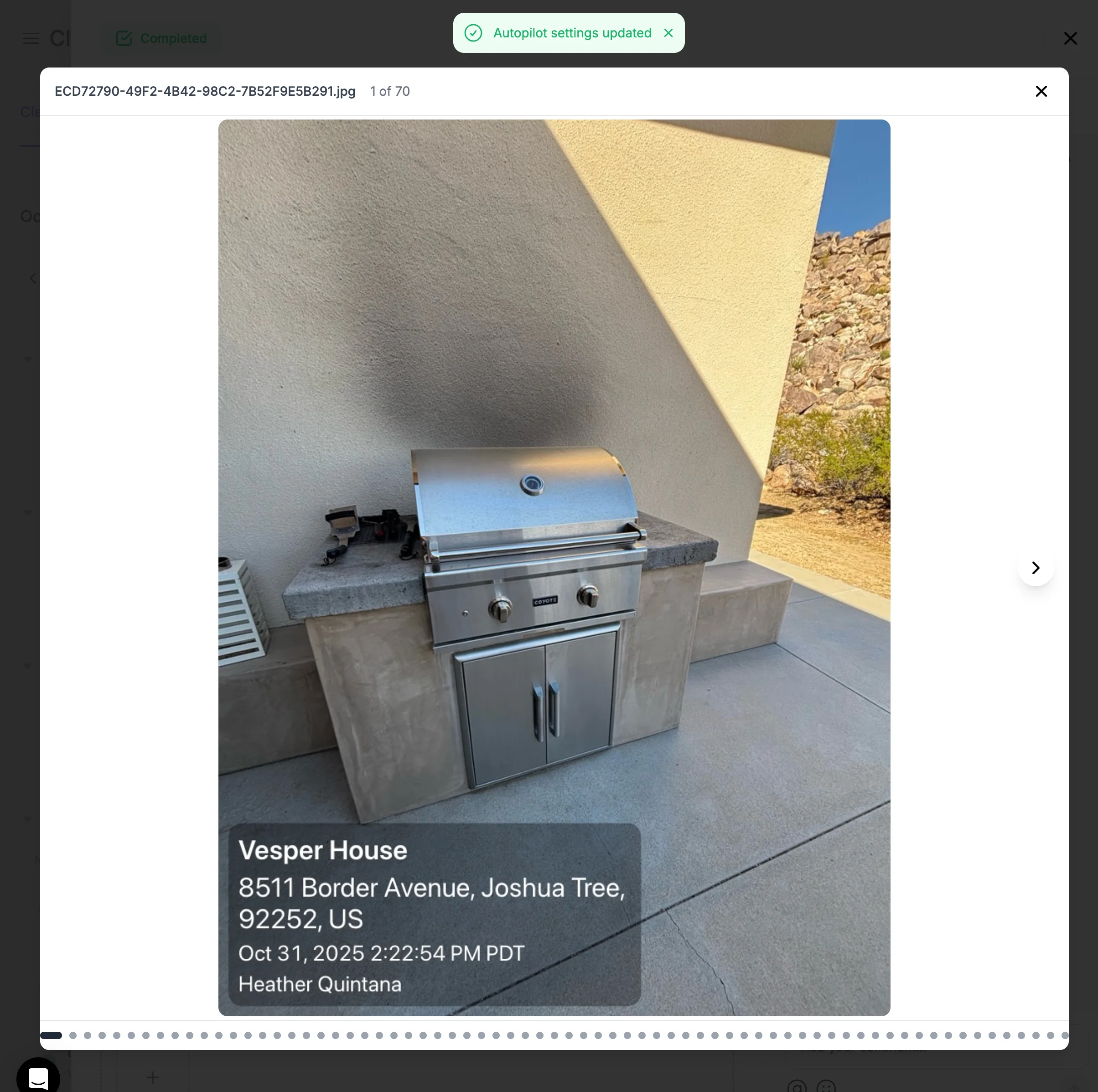
Photo verification: Photos are timestamped automatically when uploaded.
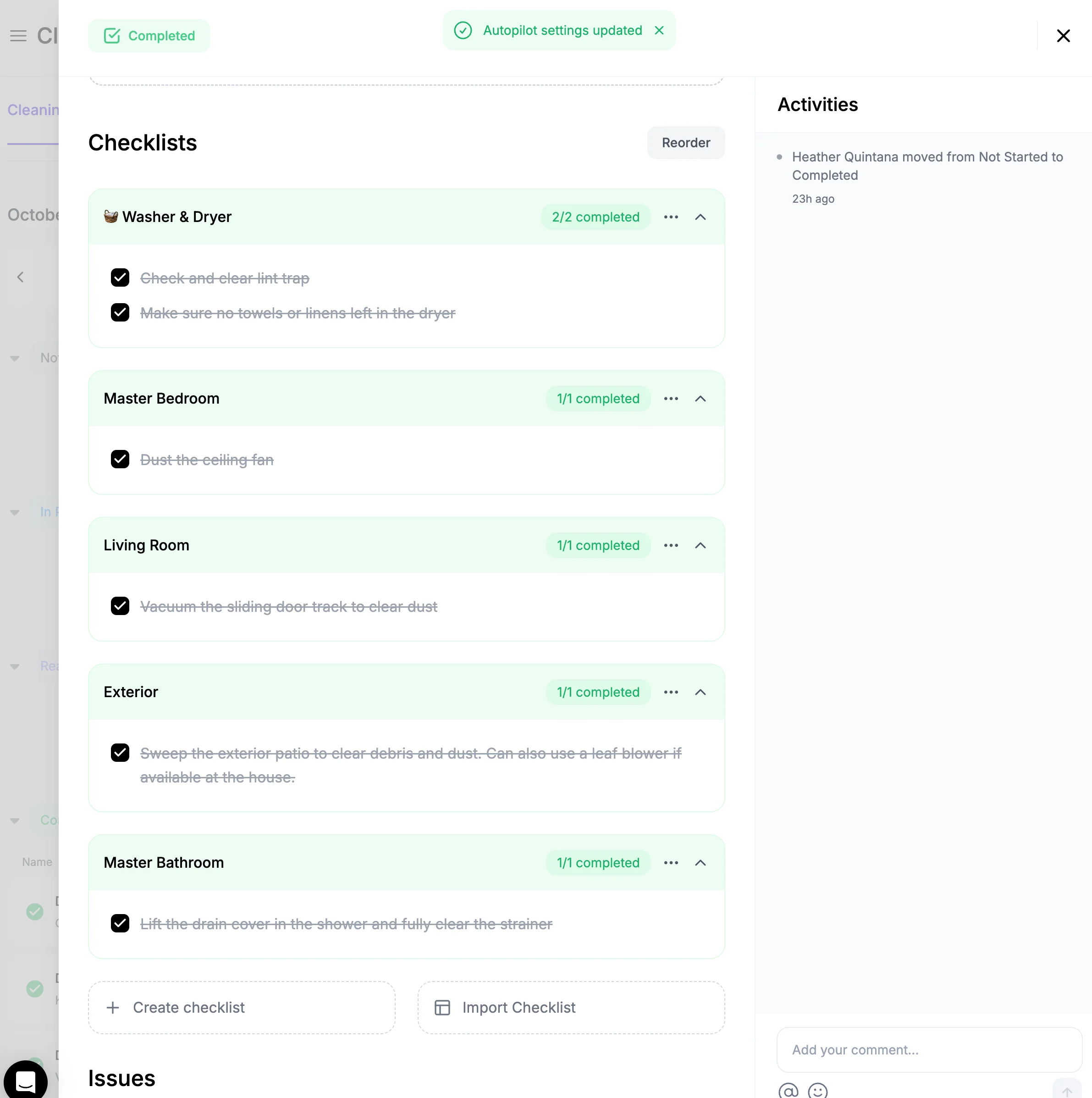
Checklists: To ensure quality, you can create checklists for your cleaners to follow. When you create a checklist, it automatically gets populated across all cleanings for that property. You can then easily Import a checklist to another property without having to recreate it.
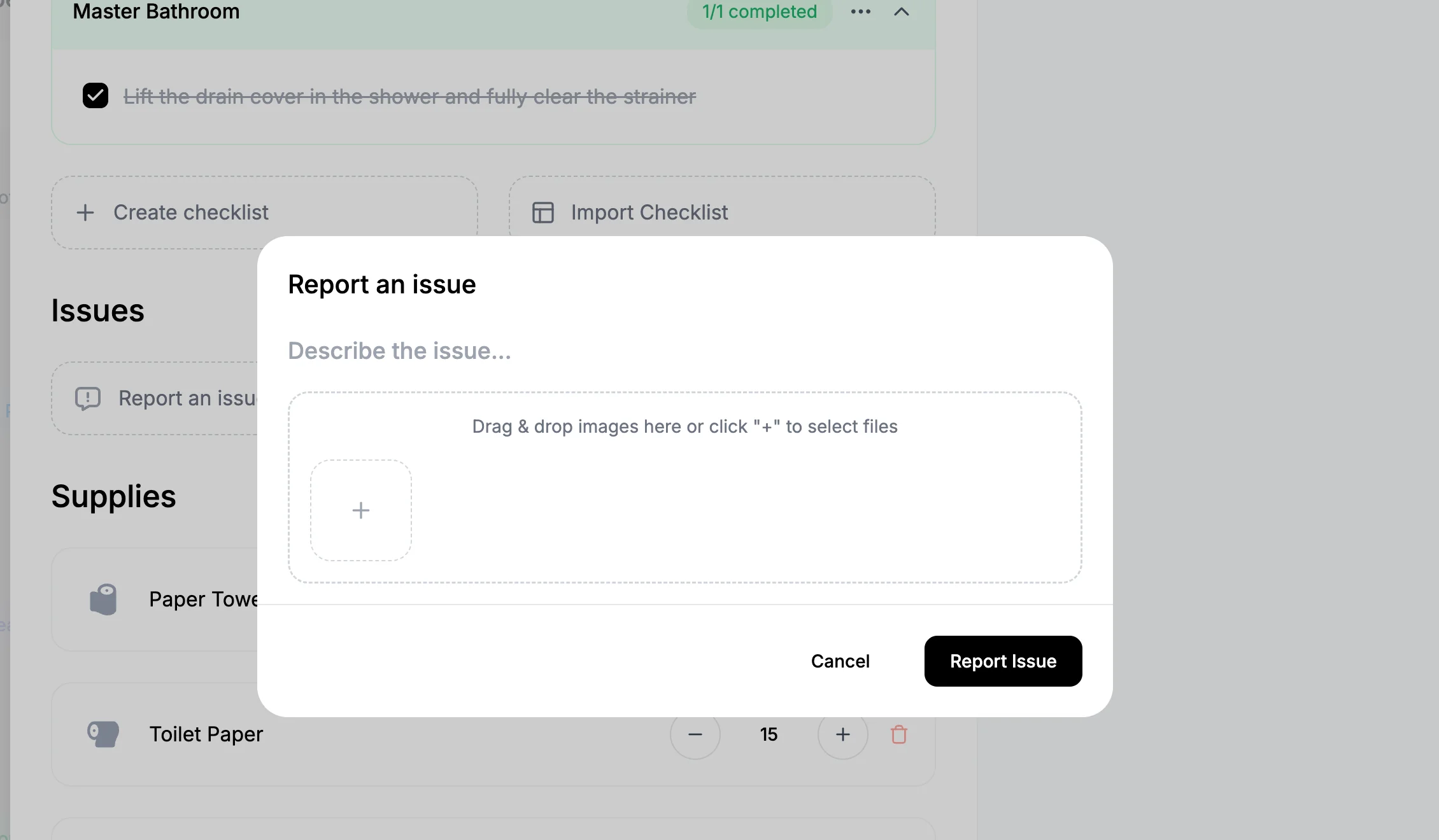
Maintenance reporting: Cleaners report issues on-site. Auto-creates maintenance tasks.
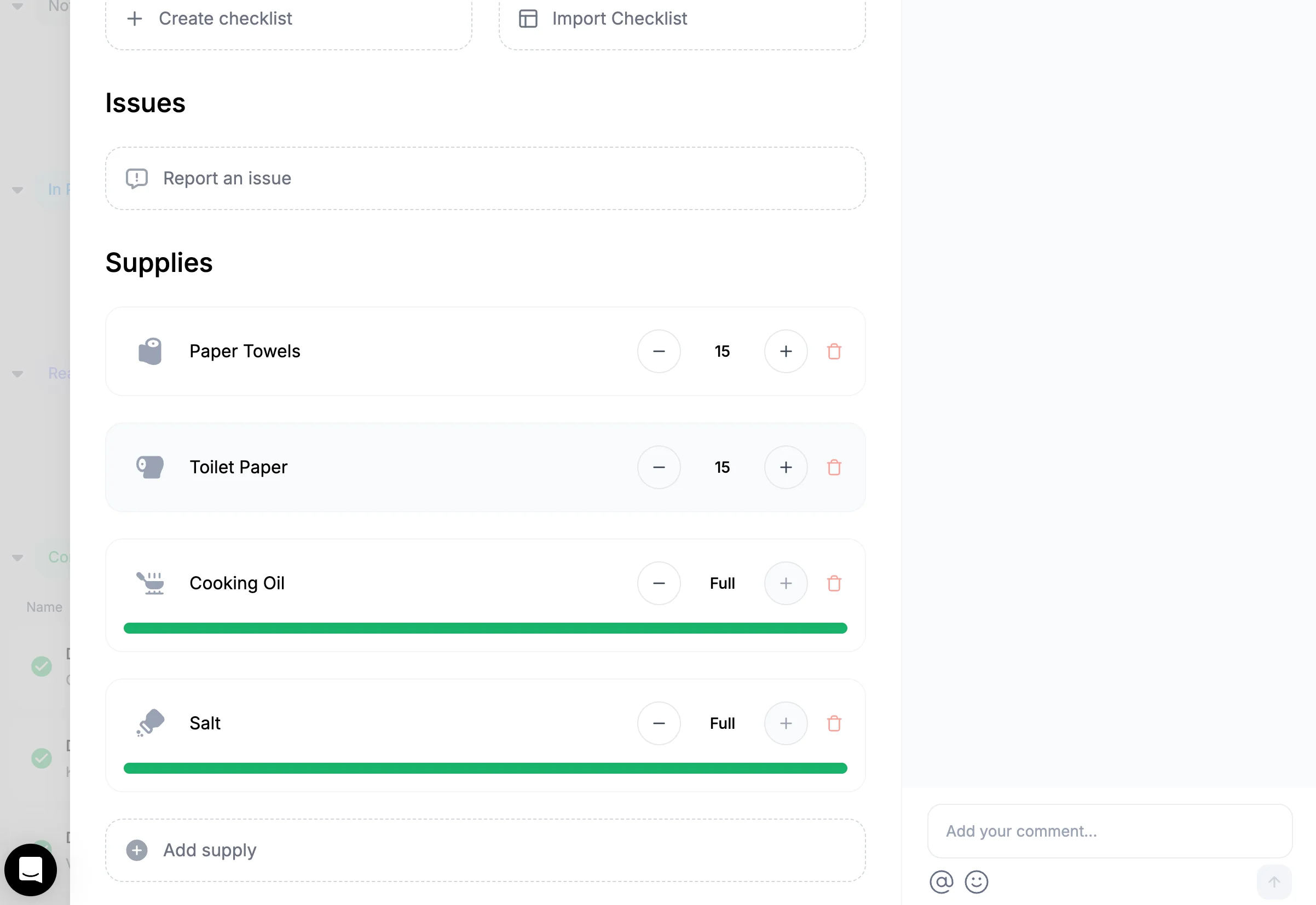
 Supplies:
You can keep track of supplies at each property.
Supplies:
You can keep track of supplies at each property.
What's next?
- Collaborating with Cleaners - Team management best practices
- Managing Tasks - Track all property maintenance