
Overview
ProhostAI AI Messaging reads each guest message, pulls the right facts from your AI Memory and listing details, and drafts a personalized reply in your hosting voice within seconds. You review and send, or turn on Autopilot to send high-confidence replies automatically. It works across Airbnb, Hostaway, Hospitable, and Guesty inboxes.
AI-powered replies help you respond to guest messages quickly and professionally. The AI analyzes each message and generates personalized responses that match your hosting style—saving hours of manual typing.
ℹ️ Info: AI Replies is available on the Pro plan. Free plan users can try it during the 14-day trial.
You can use AI replies in Draft mode or Autopilot mode. This guide covers Draft mode. To learn about Autopilot, see Setting Up AI Autopilot.
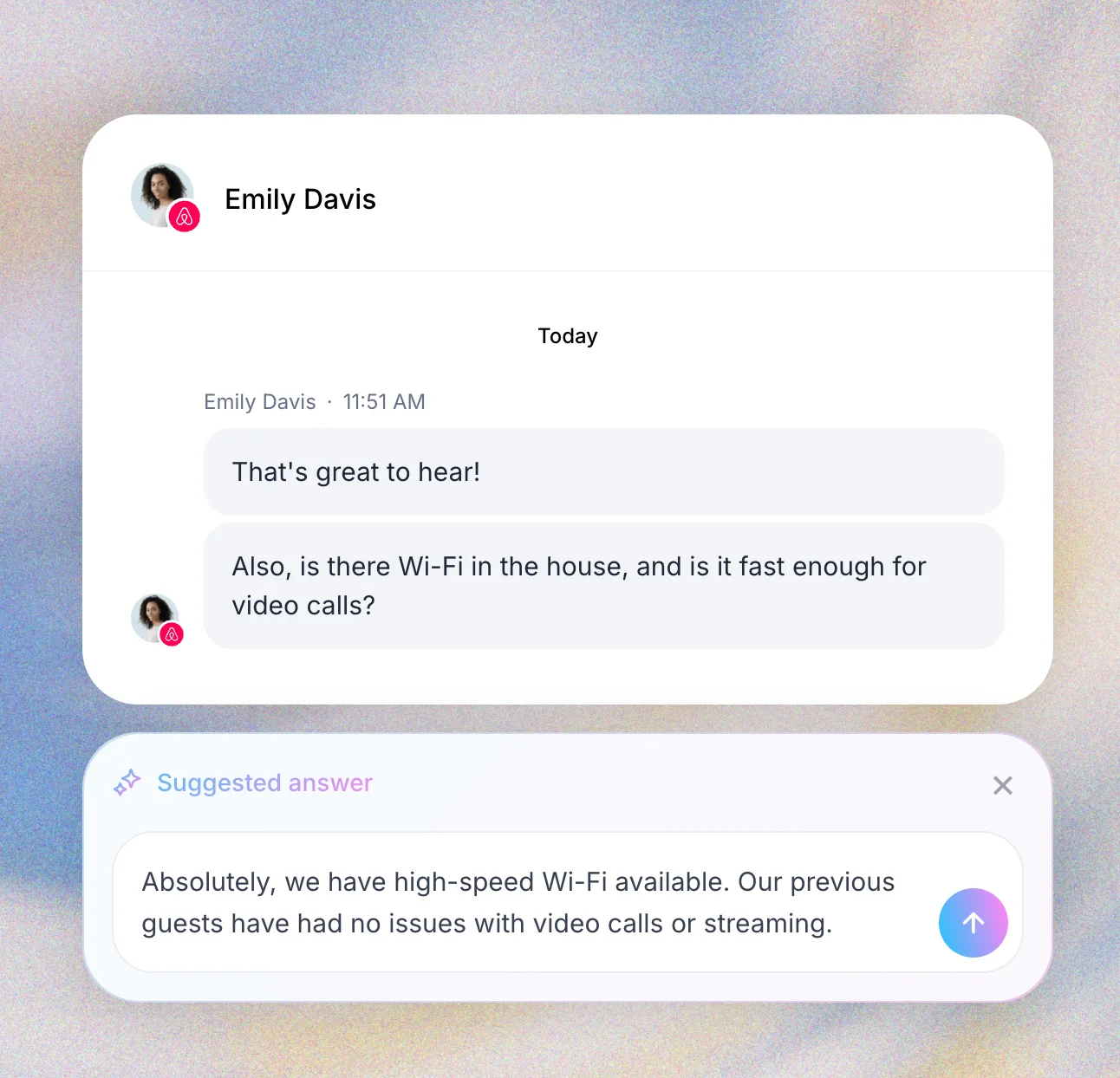
How it works
- Guest sends a message - AI analyzes content and context
- AI generates personalized response based on its AI memories and listing info.
- Review and send - Edit if needed, then send with one click. When you reply in ProhostAI, the AI learns from your edits to improve future responses.
Best practices
For the first 1-2 weeks, review & edit before sending
Review responses before sending, especially for complex situations or special requests.
Keep AI memory updated
Gradually turn on Autopilot messaging by message category.
What's next?
Ready to take your messaging automation to the next level? Check out these guides:
- Customizing AI Writing Tone - Train the AI to match your unique hosting voice
- Setting Up AI Autopilot - Enable fully automated messaging