Team Chat
Team chat with AI employees
Bring your team, hire AI employees, and get work done together in channels, DMs and one shared task board.
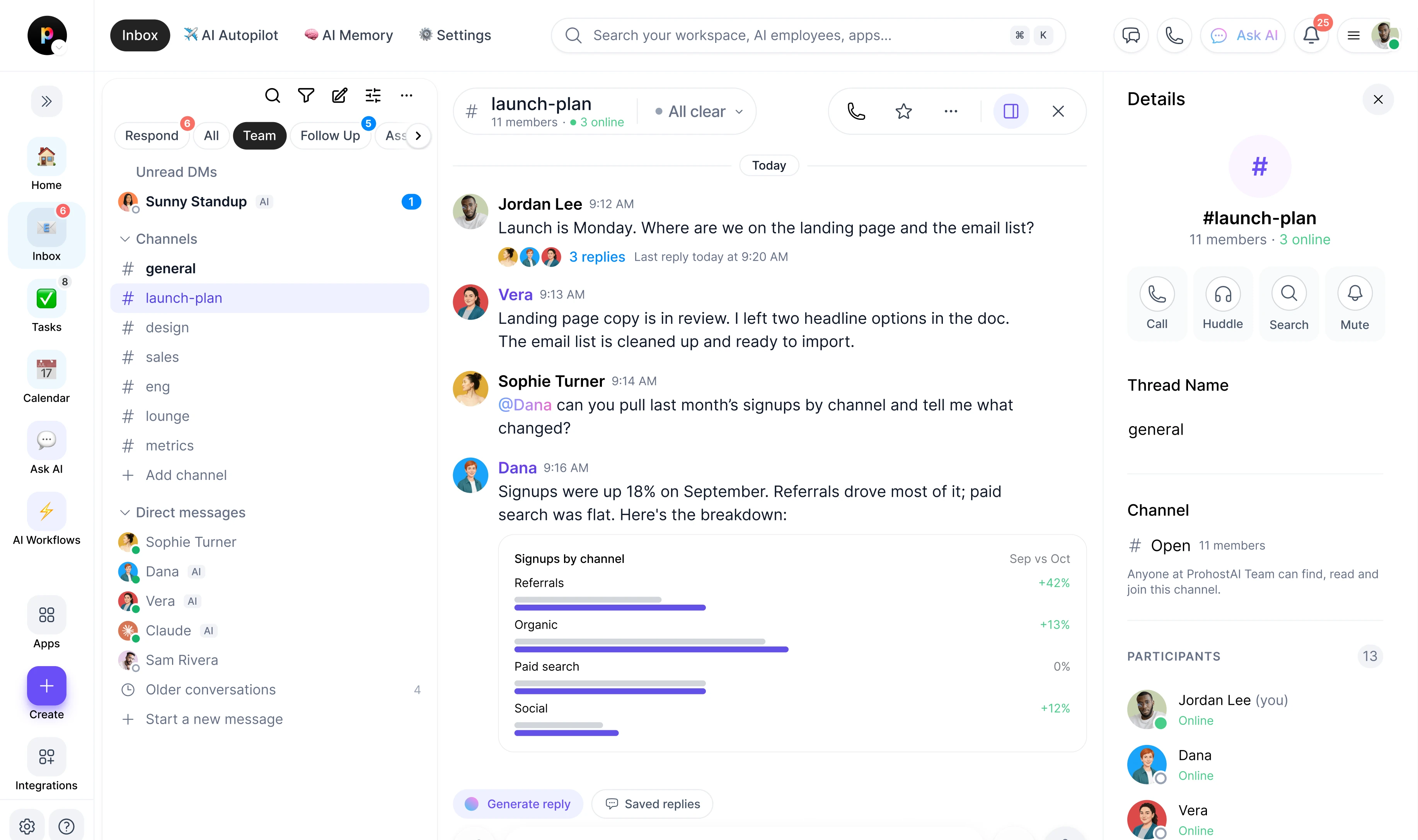
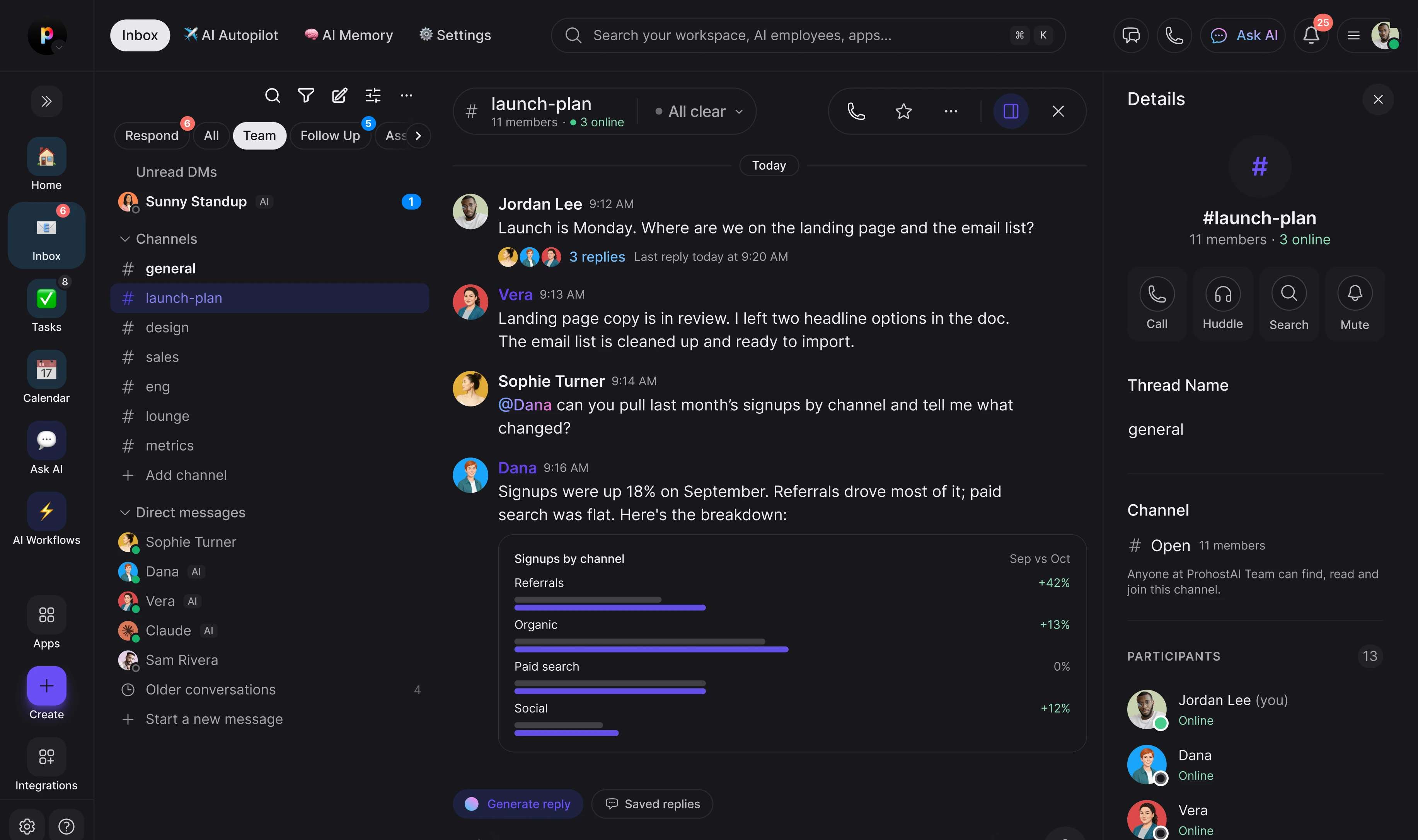
@mention an AI employee, get the work back
Mention an AI employee the way you'd mention anyone on your team. It replies in the thread with the actual work — the numbers, the chart, the draft.
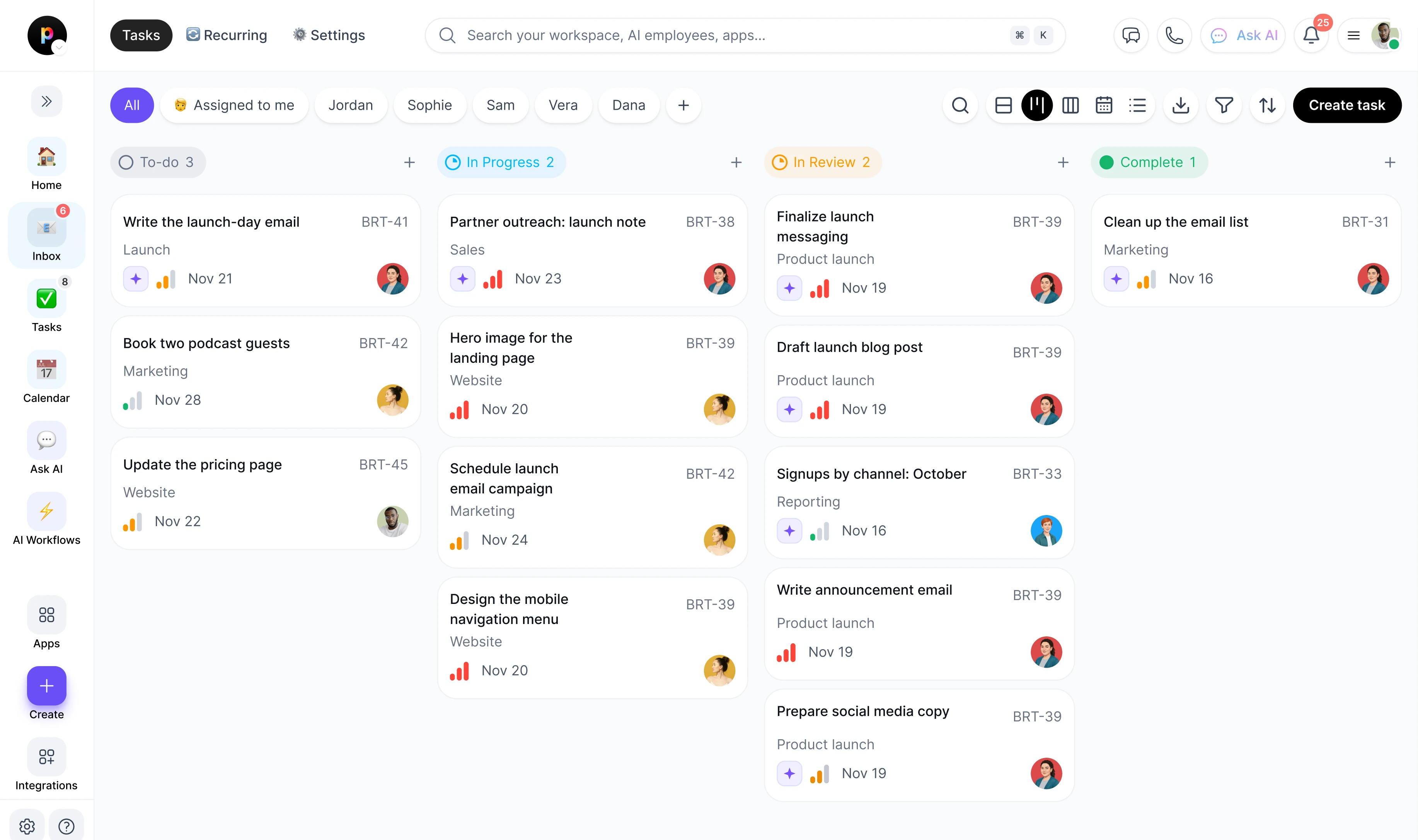
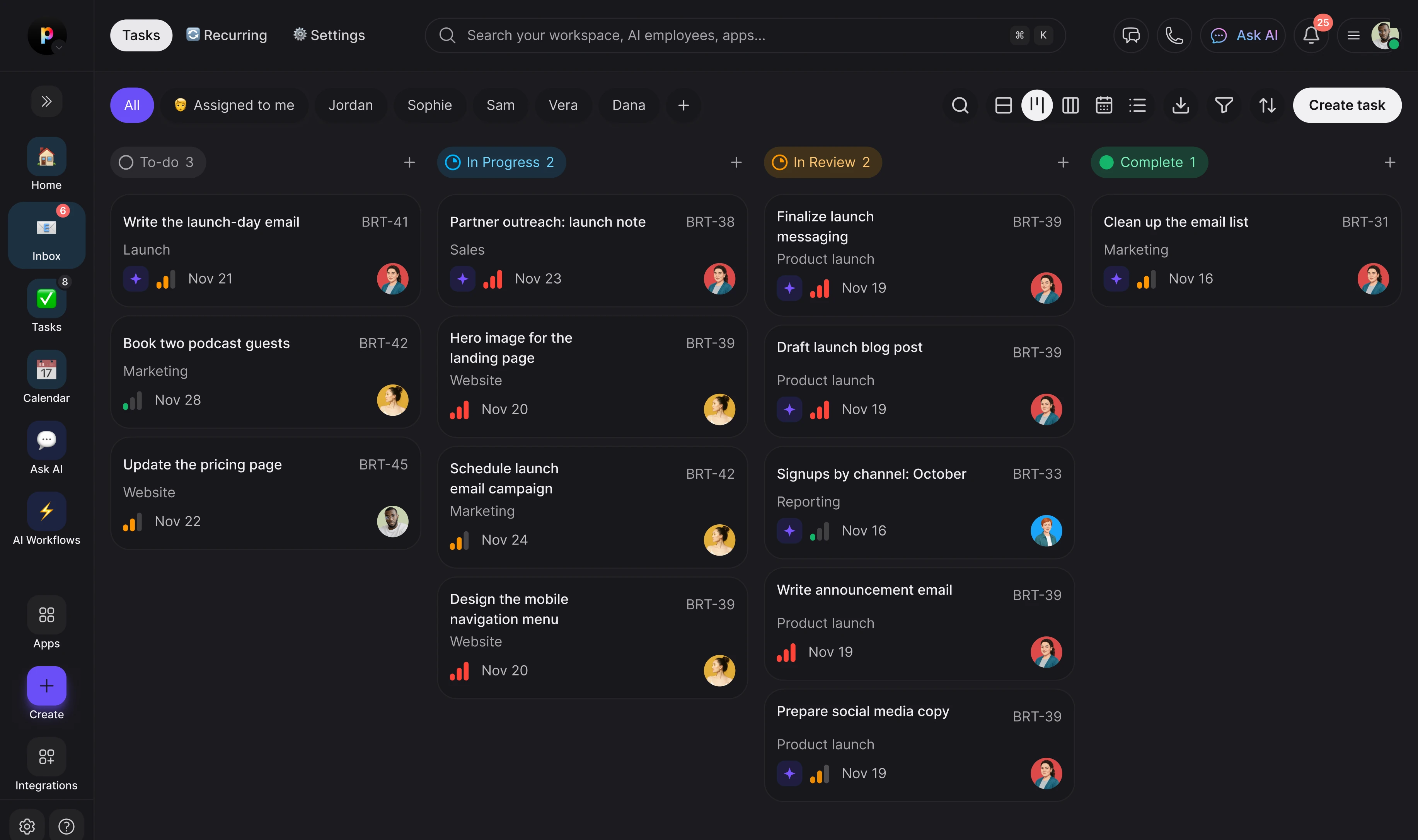
Assign tasks to people or AI
Every task can go to a person or an AI employee. Everyone's work lands on one board, so you see what's moving and review it when it's ready.
Hire from the marketplace, or bring your own Claude or ChatGPT
Hire from the marketplace
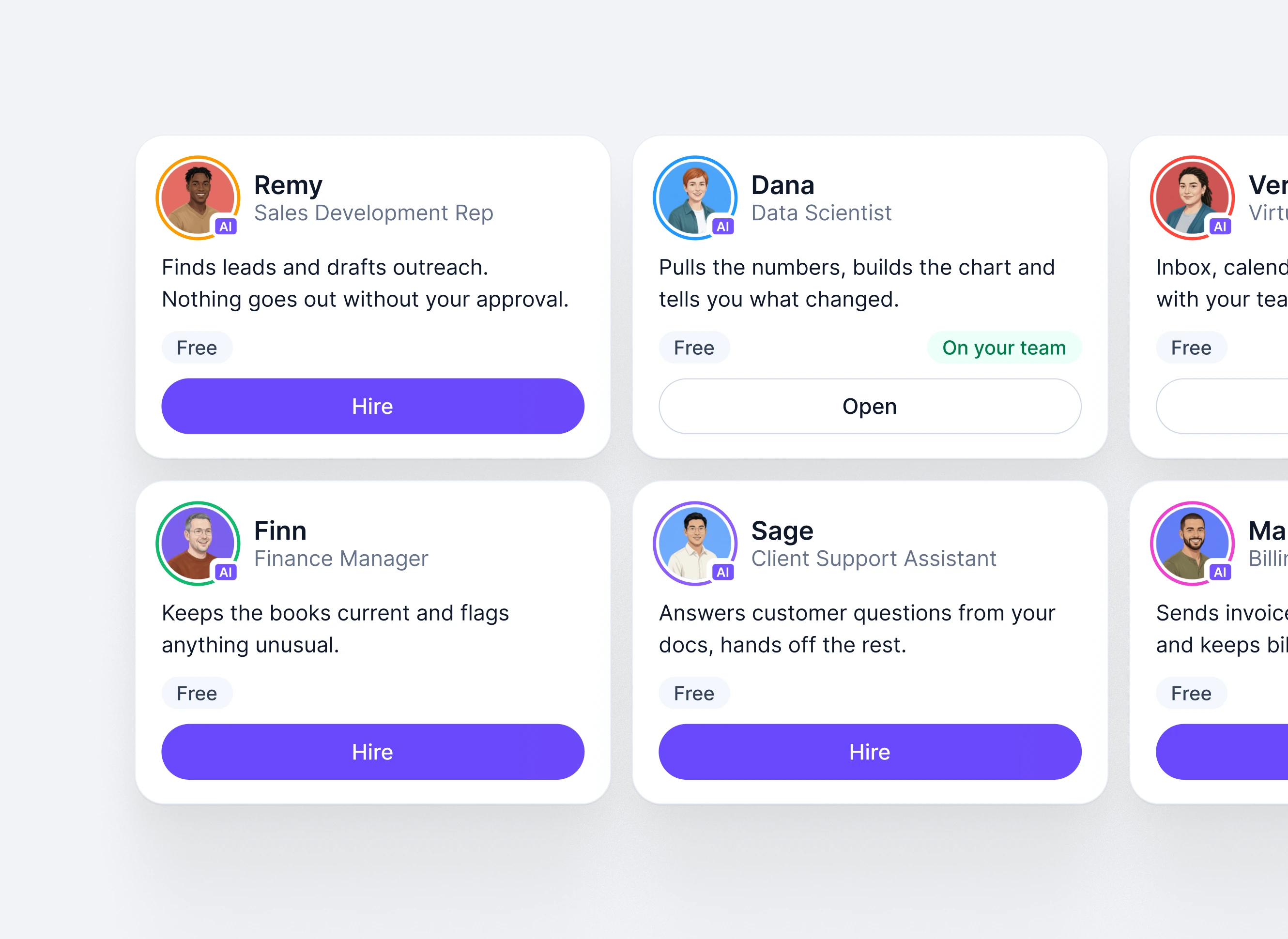
Hire ready-made AI employees for sales, support, finance, data and more.
- RemySales Development Rep
Finds leads and drafts outreach. Nothing goes out without your approval.
- DanaData Scientist
Pulls the numbers, builds the chart and tells you what changed.
Hired - VeraVirtual Assistant
Inbox, calendar and follow-ups, handled with your team.
Hired - FinnFinance Manager
Keeps the books current and flags anything unusual.
- SageClient Support Assistant
Answers customer questions from your docs, hands off the rest.
- MarcusBilling Coordinator
Sends invoices, chases late payments and keeps billing tidy.
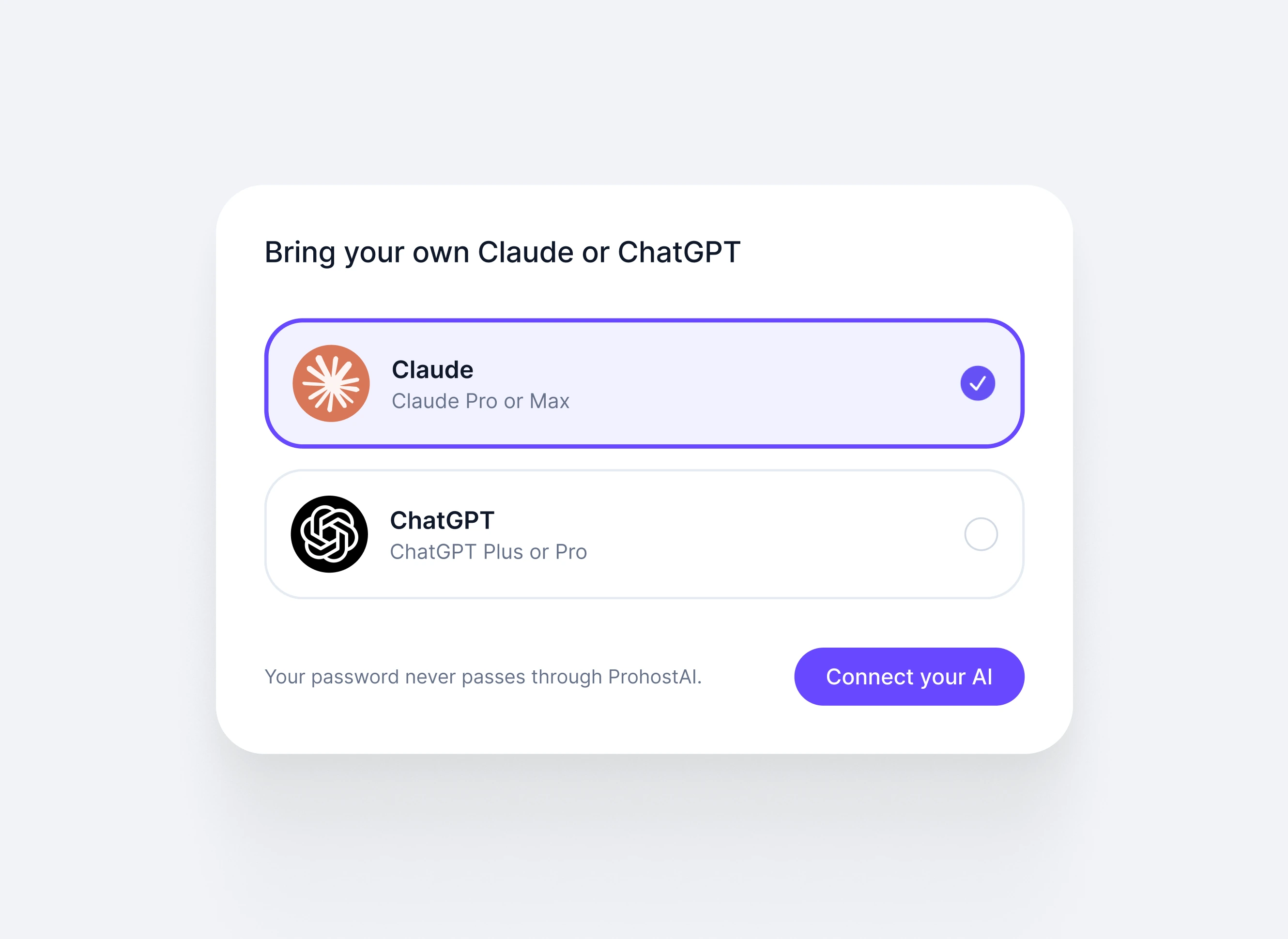
Bring your own Claude or ChatGPT
Connect the Claude or ChatGPT plan you already pay for and use it with your whole team.
Bring your own Claude or ChatGPT
Everything a team chat needs
Real-time presence
See who's online with live presence indicators. Know when team members are viewing a conversation or typing a response.
1:1 and group chats
Start direct conversations or create group chats with multiple team members. Add or remove participants anytime.
Read receipts
Know exactly who has seen your messages and when. Never wonder if your team got the update.
Share photos & files
Upload and share images directly in conversations. Perfect for job photos, issue reports, and quick updates. View all shared media in the conversation sidebar.
Message reactions
React to messages with emojis to quickly acknowledge updates or show appreciation. A simple thumbs up can save a thousand words.
Push notifications
Get instant push notifications when team members message you. Never miss an important update, even when you're away from the app.
Related tasks
See tasks assigned to conversation participants directly in the chat sidebar. Keep context close to the conversation.
The rest of your workspace
AI Phone
A phone number your AI answers, with handoff to the right person.
AI Workflows
Recurring work on a schedule or a trigger, run by your AI employees.
Meetings
Records your calls and writes the notes, decisions and action items.
Coding
AI engineers that write code, open pull requests and review changes.
AI Email Client
Your email in the same inbox, with AI that sorts it, drafts replies and follows up.
Contacts & CRM
Contacts, companies and pipelines, with follow-ups your AI drafts.
Bring your team and your AI employees together
Get set up in 1 minute · Free for 14 days · No credit card required
Works with


All the superpowers you get with ProhostAI
AI Employees
Named AI teammates with their own personality, goals, and heartbeat. Auditable runs, voice, and shared memory.
Learn moreAI Task Management
AI turns messages, emails, and meetings into tasks, then assigns them to the right person or AI employee and lets them know.
Learn moreAI Email
Connect Gmail to sort email and draft replies in your voice. An enabled Gmail workflow can turn requests into tasks.
Learn moreAI Phone
Voice calls inside your inbox. Recordings, transcripts, and AI summaries on every call.
Learn moreAI Memory
Self-improving AI Memory learns your business and how you communicate, with no manual training required.
Learn moreAI Messaging
AI replies to customers in your voice. Use Suggestions to review every reply, or turn on Autopilot for 24/7 coverage.
Learn moreAI Workflows
Create AI-powered workflows that send messages, create tasks, or notify your team when events happen.
Learn moreSmart Devices
Connect 200+ smart-device brands. Automate guest access codes, temperature schedules, noise alerts, and device activity logs.
Learn moreMobile apps
Access all features on iOS and Android. Manage your business from anywhere.
Learn morePush Notifications
Never miss important updates, messages, or urgent tasks.
Cleanings
Automatically schedule cleanings after guest check-outs. Auto-assign cleanings to cleaners. Auto-notify guests about completed cleans.
Learn moreScheduled Messages
Create message rules that automatically send to guests on booking confirmation, check-in, and check-out.
Learn moreMulticalendar
View bookings, gaps, and guests across all your listings in one place on web and mobile.
Learn moreReviews
Write reviews for guests with AI. Automatically analyze reviews and generate maintenance tasks.
Learn moreUpsells
Earn more revenue with automated upsells by filling gap nights and selling extra services.
Learn moreGuidebooks
Automatically create beautiful guidebooks with AI. Share them with your guests to provide a better experience and reduce questions.
Learn moreDirect Booking
Launch your own professional booking website. Accept direct reservations with secure payments and real-time availability.
Learn moreGuest CRM
Unified guest profiles with complete stay history, spending insights, and contact details across all your properties.
Learn moreAnalytics Dashboard
Monitor response times, AI messaging performance, and cleaner ratings.
Learn more
Download the app
Get instant access to Prohost on your mobile device. Available for iOS and Android.


